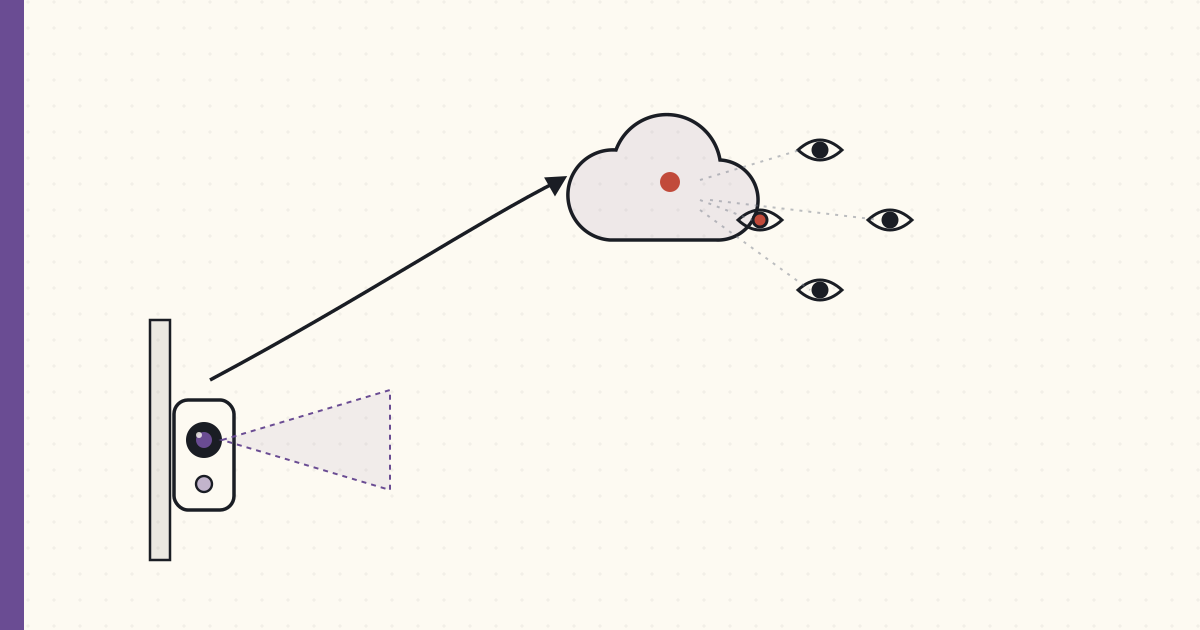
Amazon buys Ring — what a surveillance doorbell does to the threat model
Amazon acquired Ring in February for a reported $1B+. I've been avoiding cloud cameras on principle for years; the acquisition is a good moment to write down why, because the principle is about to get a lot harder to hold.
What Ring actually is
A doorbell with a camera, a motion sensor, a microphone, and a cloud subscription. It works well — genuinely. Motion-triggered recording, two-way audio, clips saved to Ring's cloud, push notifications when someone approaches. As a product it's excellent.
The architecture is the issue:
- Video lives in Ring's cloud, not your house. No local storage option that matters. No clip without the subscription.
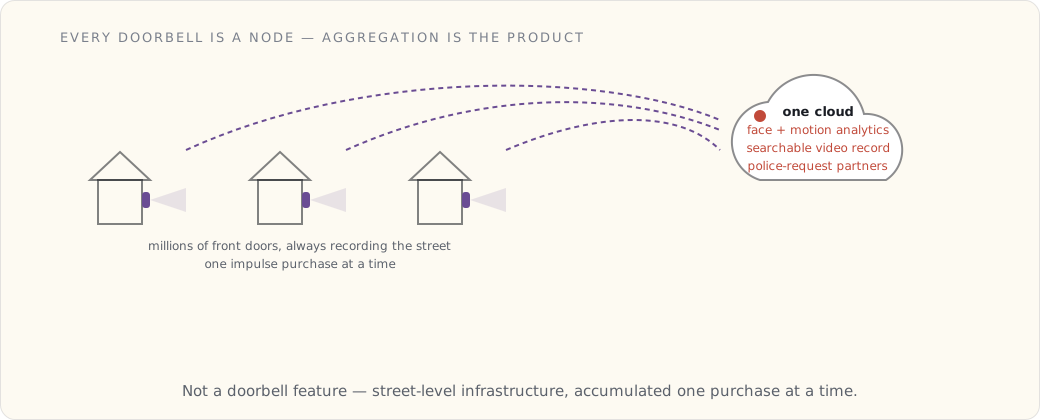
- The camera points at the street. Every Ring doorbell is a node in a network of street-facing cameras, all uploading to one company.
- That company is now Amazon. The same entity that runs the largest retail surveillance operation, the largest cloud, and a voice assistant in your kitchen.
The threat model, written out
When I evaluate a connected device for the house, I write down who can access the data under what conditions. For a cloud doorbell:
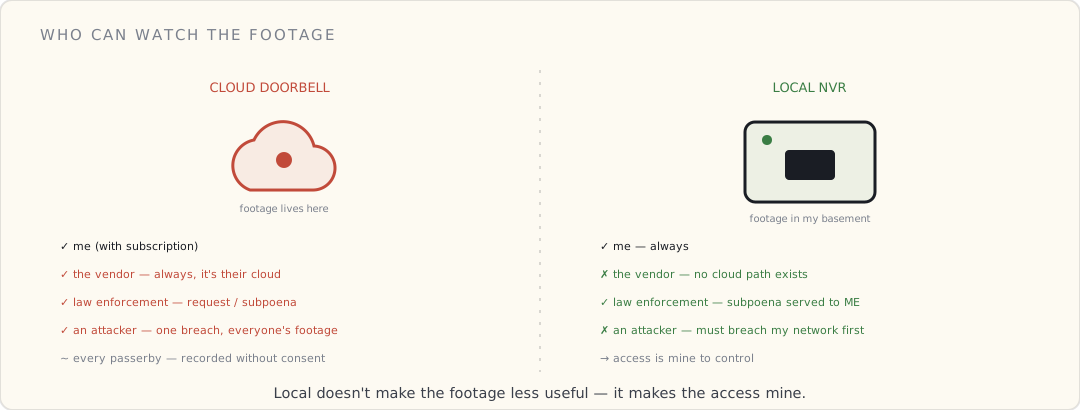
| Actor | Access | Under what condition |
|---|---|---|
| Me | Full | Always (with subscription) |
| The vendor | Full | Always — it's their cloud |
| Law enforcement | Full | Vendor cooperation / subpoena / "request" |
| An attacker who breaches the vendor | Full | One breach, everyone's footage |
| A neighbor / passerby | Incidental | They're recorded without consent every time they walk by |
Compare to a local PoE camera writing to an NVR in my basement:
| Actor | Access | Under what condition |
|---|---|---|
| Me | Full | Always |
| The vendor | None | No cloud path exists |
| Law enforcement | Full | Subpoena served to me — I'm in the loop |
| An attacker | Local network only | Has to breach my network first |
The local version doesn't make the footage less useful. It makes the access mine to control.
The part that actually bothers me
It's not the burglar — local cameras catch porch pirates fine. It's the aggregation. One company accumulating a street-level, always-on, searchable video record of millions of front doors, with face and motion analytics layered on top, and partnerships with police departments to make requests easier. That's not a doorbell feature. That's infrastructure, built one impulse purchase at a time.
And the person being recorded most often isn't the homeowner who consented to the terms of service. It's every neighbor, delivery driver, and kid walking to school who never agreed to anything.
What I'm doing instead
- PoE cameras when I get to it — power and data over one Ethernet run, footage to a local NVR, no cloud account.
- A self-hosted NVR — ZoneMinder, Shinobi, or BlueIris — recording RTSP streams to disk in my basement. These do motion detection well. What they don't do yet is cheap, accurate object detection — "is that a person or a cat?" — without either a beefy GPU or punting frames to a cloud vision API, which defeats the point. On-device person detection on commodity hardware is the missing piece; I'm watching for it.
- Home Assistant as the one place the camera state surfaces, so a "someone at the door after midnight" automation runs locally and notifies me without a third party in the path.
I'm not there yet — the structured wiring for PoE doesn't exist in this house, and retrofitting it is a real project. But the principle holds: the camera at my door should answer to me.
What's next
The Zigbee-off-the-hub migration is still the deferred project. And the day job (the connected medical device) is teaching me, in a regulated context, exactly how seriously you have to take "who can access this data" — which only sharpens the instinct to keep the house's cameras local.